
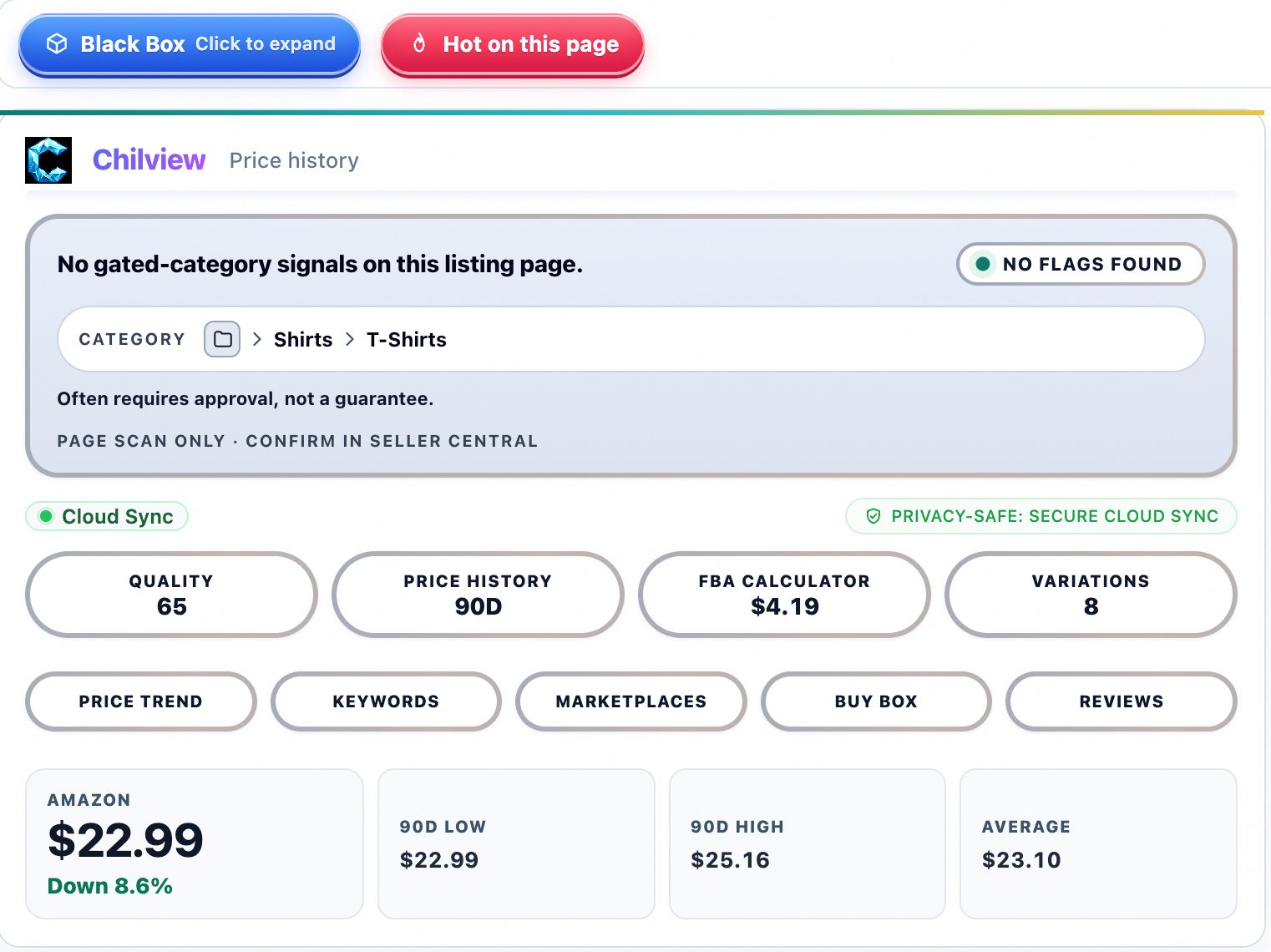
Amazon FBA profit isn't what the listing page shows you — it's what's left after Amazon's referral fees, FBA fulfillment fees, storage, returns, and your landed cost. The gap between "looks profitable" and "is profitable" is where most Amazon sellers lose money. These seven tips help you calculate FBA profit before you commit a single dollar of inventory.
1. Start with the true landed cost, not the supplier quote
Your supplier's unit price is only one line. Landed cost includes freight to the Amazon fulfillment center, duties, prep fees, labels, and any sampling cost amortized over the first order. Before comparing any FBA calculator output, write down every per-unit cost you actually pay. Products that look like 30% margin at quote price often land at 15% once freight is in. If you can't list all five cost lines, you're not ready to order.
2. Run every ASIN through an FBA calculator before you source
Amazon's fee structure changes by size tier, weight, and category, and fees drift year to year — as of 2026, fulfillment fees still penalize oversize products heavily. A dedicated FBA profit calculator inside your product research tooling beats a spreadsheet guess: the Chilview extension's FBA profit calculator works directly on the Amazon product page, pulling the live price, weight, and dimensions it can see so you're estimating from the real ASIN, not a copied spreadsheet. Run the numbers at the lowest price you'd accept, not the current price — margins compress when competitors discount.
3. Price for the Buy Box you can actually win
The Buy Box drives the majority of Amazon sales, and Buy Box ownership is competitive: a recent Chilview Buy Box study of 57,410 visit-weighted captures found Amazon itself holding the Buy Box only 7.2% of the time, with third-party sellers holding it 92.8% of the time (verified October 2026). That means your profit model must assume you're competing against aggressive third-party repricers. Model your margin at a price 3–5% below the current Buy Box price — if the deal dies there, the niche is too competitive for your cost structure.
4. Respect the review-velocity math
Products with thousands of reviews and dozens of new reviews per month are expensive to displace. Honest Amazon seller tools don't invent sales numbers — but you can read "bought in past month" figures and review counts as honest demand signals. A product with 500 reviews and high monthly purchase counts converts on brand trust; you'll need PPC spend or review velocity of your own to compete. Add a realistic ad cost per unit to your calculator before calling anything profitable.
5. Watch price history, not just today's price
A product selling at $29.99 today may have spent six months at $24.99. Price history shows you the product's true pricing range, seasonality, and how often sellers discount. If the historical price band sits below your break-even point, today's price is a snapshot, not a strategy. Check whether the current price is an all-time high or a routine peak — you never want to buy inventory against a peak.
6. Account for returns before they happen
Returns are a silent margin killer: refunded referral fees are only partial, and FBA return processing fees apply to many categories. Some products carry Amazon's "Frequently Returned Item" badge — a binary public signal you can see on the page. A product with high return rates can be profitable on paper and a loss in practice. If your category historically sees elevated returns (apparel, shoes, electronics), subtract an extra 3–5% of revenue as a returns reserve in your margin math.
7. Set a hard margin floor and walk away below it
Decide your minimum before you research: many experienced private label sellers won't touch anything under 30% net margin after all fees and costs. Write your floor down. When the FBA profit calculator says 22%, the discipline to walk away is what separates profitable sellers from busy ones. There are millions of ASINs; you need one great one, not ten marginal ones.
Every tip above works with any Amazon seller tools you use — the point is that honest inputs beat optimistic ones. If you want the calculator to live inside your browser while you research, the Chilview extension runs a free 3-day full-access trial with no card (one trial per computer), works on Chrome and Brave, and Chilview collects no personal info — only product information. Subscribing to the Seller Brief email adds 2 extra days, for 5 total.