
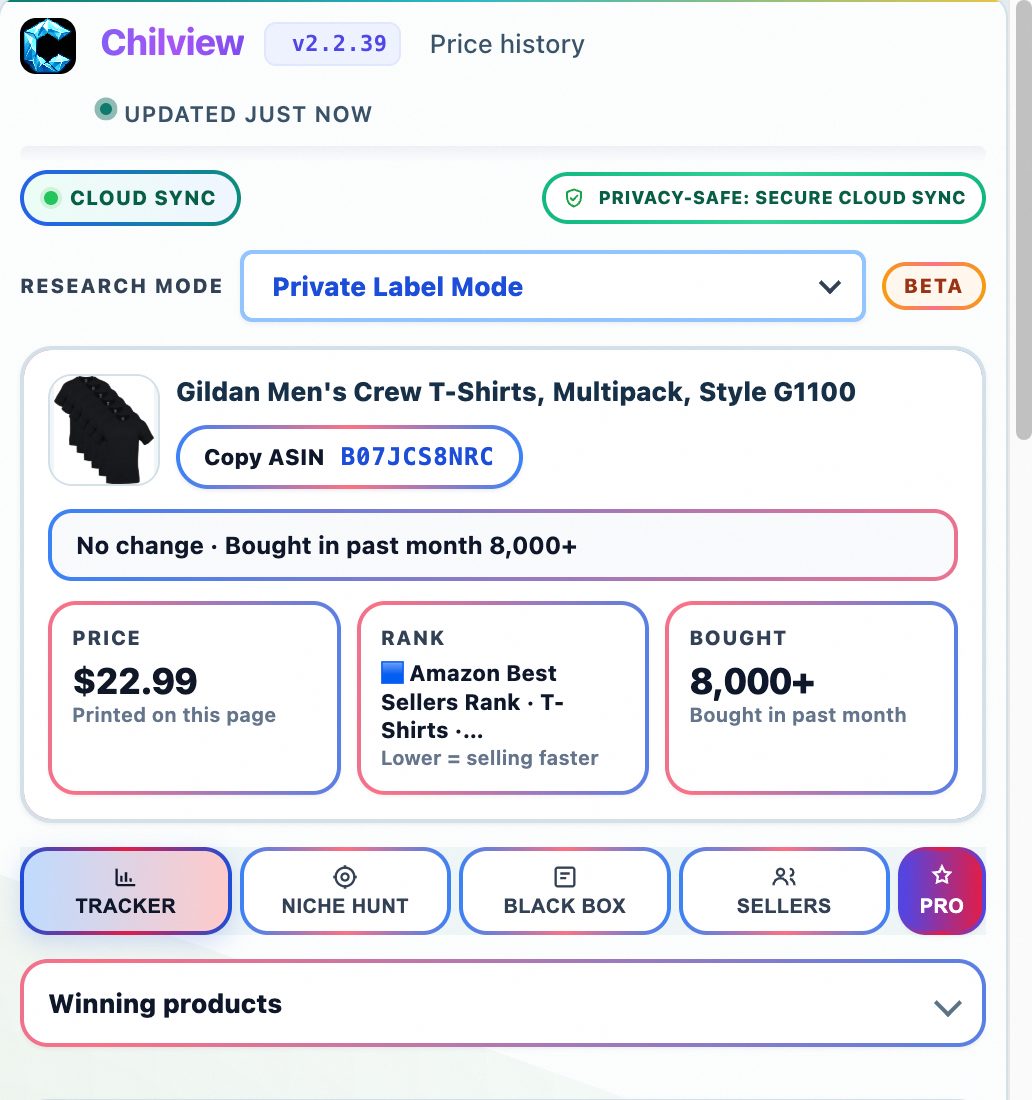
The difference between a product that pays your rent and one that fills your garage with unsold boxes usually comes down to homework. Most new Amazon sellers spend weeks picking a niche and five minutes validating the actual product. Flip that ratio. Here is a ten-minute vetting routine you can run from any open Amazon product page with the Chilview extension — a Helium 10 alternative for sellers who want on-page answers without another dashboard subscription.
**Step 1: Read the price history before you fall in love with the margin.**
Open the price history panel and look at the 90-day price history first. A product that sat at $24.99 for three months and suddenly shows $19.99 is not a discount opportunity — it's a race to the bottom already in progress. You want steady pricing: it means stable competition, so your FBA profit math will still hold when your inventory lands. If the history looks like a saw blade, walk away. Thirty seconds here saves thousands in dead stock.
**Step 2: Check who actually holds the Buy Box.**
The Buy Box wins roughly all of the buy-ready traffic. Use the Buy Box analytics to see who holds it — Amazon itself, an FBA seller, or a merchant-fulfilled seller — and how often ownership changes. In a study of 57,410 Amazon visits, Amazon held the Buy Box on only 7.2% of visits while third-party sellers held it on 92.8%. If it rotates between five sellers weekly, expect a price war. If one FBA seller has owned it for months, expect a fight. Either way, you know before you spend a dollar.
**Step 3: Sanity-check BSR and review velocity — and label them as estimates.**
Best Sellers Rank and review velocity are useful signals, but any Amazon seller tool worth using is honest about what they are: estimates, not warehouse data. Nobody outside Amazon knows exact unit sales. What you can observe is the trend: is BSR stable, climbing, or falling off a cliff? Are reviews trickling in or flooding? A product with steady BSR and natural review growth is healthier than one with a great rank and zero new reviews. Chilview shows observed data as real and never invents sales numbers or conversion scores.
**Step 4: Run the FBA profit calculator with real numbers.**
This is where most product research dies or gets its green light. Plug in the actual selling price, your landed cost, shipping, and Amazon's FBA fees, and the FBA calculator shows your margin after every fee. A common beginner trap is celebrating a 30% gross margin that becomes 8% after referral fees, FBA pick-and-pack, and storage. Set a hard rule — say, $5 profit per unit after all fees — and let the math decide.
**Step 5: Check the keyword niche, not just the product.**
A product can be profitable and still be a trap if 400 sellers target the same five keywords. Check the keyword opportunities and niche score: what terms does this listing rank for, how competitive are they, and is there a long-tail angle you can own? High demand with a hard entry barrier means bring a real differentiator or keep looking. Private label sourcing works when you find demand you can reach, not just demand that exists.
**Step 6: Watch out for variation traps with the Variation Viewer.**
Chilview's Variation Viewer, in the Product Research tab, shows variation families — colors, pack counts, sizes — and flags options with no featured offers. Its research notes are honest: parent reviews cover the whole family and are not inherited by a new ASIN, so a "4.6-star, 8,000-review" listing may be riding reviews from sibling variants. Never judge a variation by the family's numbers alone.
**Step 7: Compare across marketplaces if you source internationally.**
Chilview compares the same product across Amazon regions so you can see price and availability differences before you source — a genuinely useful check for arbitrage and wholesale sourcing that many Keepa alternative and Jungle Scout alternative tools handle poorly or not at all.
**Try the whole routine free.**
You can run this entire ten-minute routine during Chilview's 3-day full-access trial — no credit card required — and subscribing to the Seller Brief adds 2 extra days, for 5 total. One trial per computer, and it works on both Chrome and Brave. The promise is simple: Chilview collects no personal info — only product information. After the trial, the first 500 Founders get lifetime access for a $30 one-time payment (works on 2 devices); after the Founder seats fill, Pro runs $10/month.
Ten minutes, seven checks, one honest answer about whether the product deserves your money. That is product research done right.