
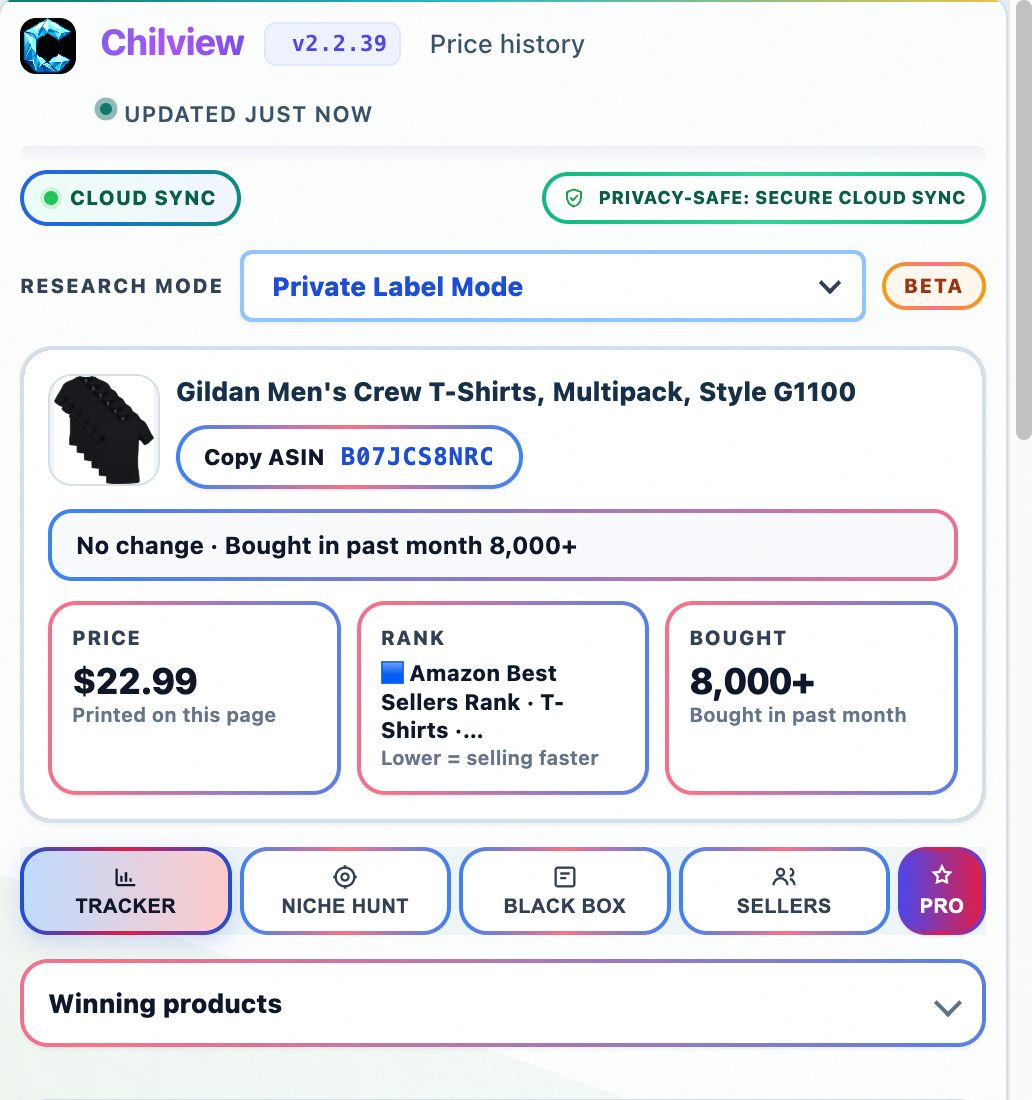
As an Amazon seller or product researcher, how much of your work actually happens in screenshots and recordings? If you're like most sellers, the answer is: more than you think.
Every day, sellers capture supplier quotes on WeChat, record ungating steps to train a virtual assistant, screenshot pricing anomalies for brand disputes, and save competitor listing changes as evidence. Screen capture isn't a side chore in this business — it's part of the job. And it's about to get its own dedicated tool under the Chilview house brand: Chilview SnapMatrix, a screenshot and screen-recording tool planned to launch around November 2026.
This isn't a launch announcement. SnapMatrix isn't available yet, and I'm not going to invent details about pricing, features, or screens that haven't been shown. Instead, this post is a practical look at the five screen-capture workflows Amazon sellers already rely on every week — so you can see exactly why a purpose-built tool under the Chilview brand makes sense.
1. Documenting supplier and sourcing conversations
Sellers negotiate with suppliers across Alibaba, WeChat, and email. A screenshot of a quoted price, MOQ, or lead time is often the only record that exists if the terms shift later. Smart sellers save timestamped captures of every quote in a dedicated folder per product, so a dispute over "we agreed on $4.20 per unit" takes thirty seconds to resolve. A dedicated screenshot tool that keeps these captures organized is worth more than a dozen generic screenshot apps with no filing system.
2. Training virtual assistants with recorded walkthroughs
The best way to hand off a repeatable task — updating a listing, pulling a shipment report, checking a Buy Box change — is a screen recording with a voiceover. Instead of typing a ten-step SOP your VA will misunderstand, you record yourself doing it once. Many six-figure sellers build their entire SOP library from short clips. If your capture tool lives inside the same brand family as your research tools, switching between researching a product and recording the process becomes one smooth motion.
3. Capturing pricing and Buy Box evidence
Amazon sellers who have opened a case with Seller Support know the drill: screenshots of the price you saw, the Buy Box winner at that moment, the listing as it appeared. Amazon's own records don't always match what you saw. Sellers who win these cases are the ones with dated captures. Chilview's own research is built on this instinct for evidence — the Buy Box study at getchilview.com/who-holds-amazon-buy-box-study analyzed 57,410 visit-weighted captures and found Amazon held the Buy Box on just 7.2% of US visits, with third-party sellers holding 92.8%. A habit of capturing what you see, dated and filed, is how sellers stop arguing from memory.
4. Saving listing and review changes over time
Competitor listings change constantly: titles get rewritten, images rotate, review counts jump. Product researchers who screenshot a niche weekly build their own honest archive of how a market moves — no invented dashboards needed. When you're deciding whether a keyword or category is worth entering, a folder of weekly captures beats a vague memory every time. This is the same discipline that makes tools like the Chilview extension useful: real, observed data, presented honestly.
5. Making quick product demos and unboxing clips
Sellers with social channels or customer support tickets use screen recordings and short clips constantly — a 30-second demo of a product feature answers ten support messages. Content that starts as a casual capture often becomes the most-watched video on a brand's page. Having capture, screenshot, and research in one brand ecosystem means the assets you gather while researching can flow straight into the content you publish.
Where Chilview fits today
You don't have to wait for November to start researching with honest data. The Chilview extension — a Helium 10 alternative and Keepa alternative for Amazon product research — gives you a 3-day full-access trial with no card required, plus 2 extra days when you subscribe to the Seller Brief email (5 days total), with one trial per computer. If you're among the first 500 Founders, it's $30 one-time for lifetime access, then Pro is $10/month. Founder plans work on 2 devices, and the extension runs on Chrome and Brave. And the privacy line that matters: Chilview collects no personal info — only product information.
SnapMatrix is coming around November 2026 under the Chilview house brand as the screenshot and screen-recording companion to that research workflow. Between now and then, start building the capture habit — organized folders, dated screenshots, recorded walkthroughs — so when it arrives, you're ready.