
Snagit Pricing in 2026: What the Camtasia Suite Change Really Costs a Small Team
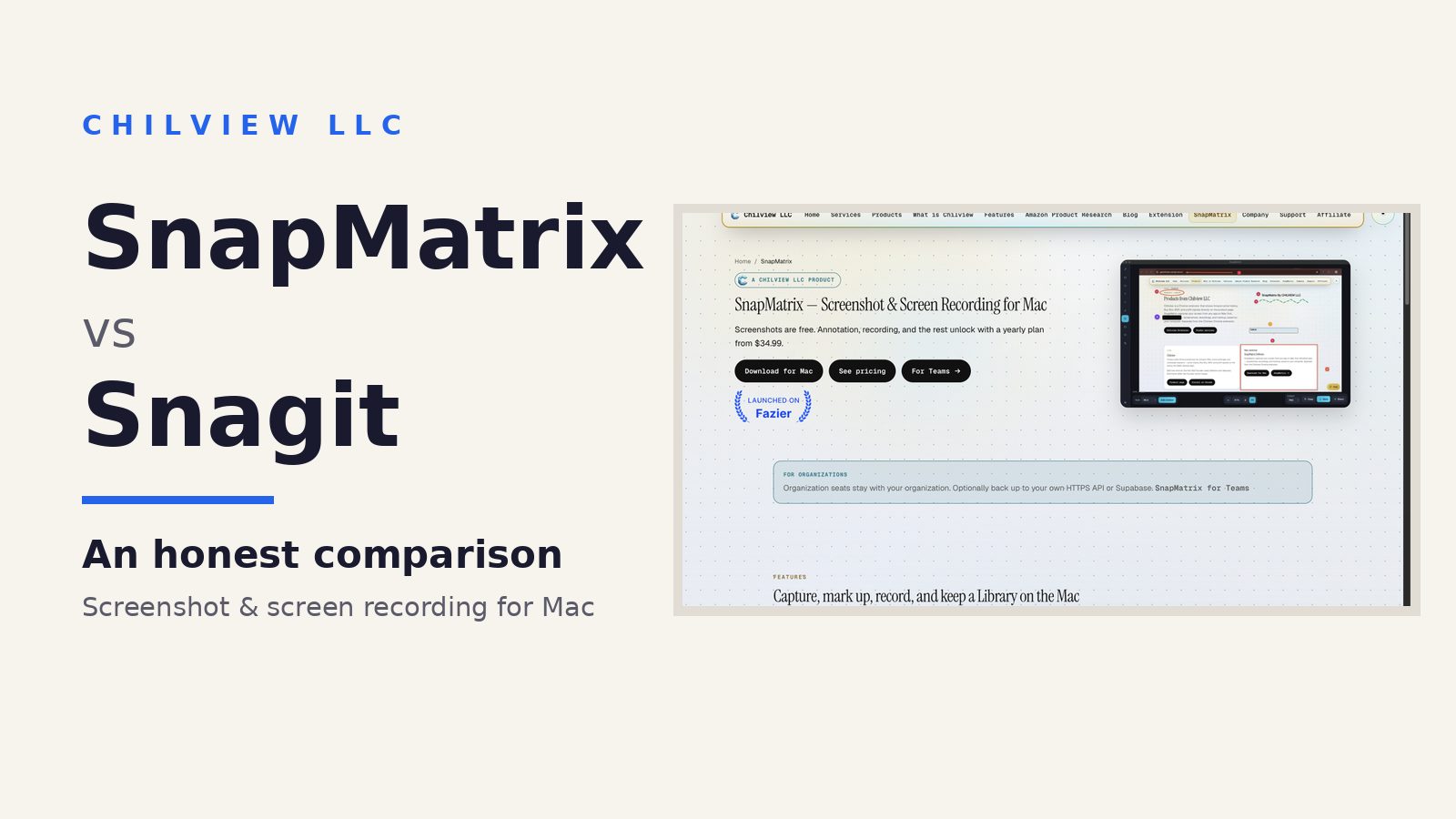
Snagit pricing in 2026 starts at $39 per person per year — but that entry price is no longer the whole story for a small team. Snagit now sits inside TechSmith's Camtasia suite, and the Camtasia Editor Business license a team can be steered toward costs $198 per user per year. For a 20-person team that only needs screenshots, annotation, and short recordings, that is roughly $3,960 a year for the suite route, versus $759.80 a year for SnapMatrix organisation seats — and SnapMatrix screenshots are free forever, so light users on the team cost nothing at all. (Facts checked November 3, 2026.)
What changed, in plain terms
For years, buying Snagit was simple: pay once, own it, get on with your work. That model is over. Three facts now decide what a team pays:
1. Snagit is subscription-only for new buyers. The entry price is $39 per person per year, billed yearly. Stop paying and the subscription ends.
2. The last perpetual versions lose support on December 31, 2026 — for owners without a Legacy subscription (with one, support runs through October 2, 2027). After that date, staying supported means subscribing.
3. Snagit now lives inside the Camtasia suite. TechSmith sells it as part of its video-creation line, and the Camtasia Editor Business license is $198 per user per year, verified on TechSmith's own store on November 3, 2026. Camtasia is a full video editor. If your team's job is capturing and explaining a screen, the suite price buys a lot of tool most seats will never open.
None of this makes Snagit a bad product. It is capable, long-established, and — unlike SnapMatrix — it runs on Windows as well as Mac today. The pricing question is narrower: what should a small, mostly-Mac team pay for the capture work it actually does?
The maths for a small team
Per-seat prices look close until you multiply them. Here is the honest comparison at team size, using the prices checked above:
Team size | Snagit entry ($39/user/year) | Camtasia Editor Business ($198/user/year) | SnapMatrix Organisation ($37.99/user/year)
5 people | $195/year | $990/year | $189.95/year
10 people | $390/year | $1,980/year | $379.90/year
20 people | $780/year | $3,960/year | $759.80/year
50 people | $1,950/year | $9,900/year | $1,899.50/year
Read that table honestly and two things stand out. First, at the entry tier SnapMatrix is only slightly cheaper per seat than Snagit — about $20 a year less for a 20-person team. If price per seat were the only question, there would be little to write about. Second, the real cost risk is the suite step-up: the moment a team's buying conversation moves from "screenshot tool" to "suite," the same 20 seats jump from hundreds of dollars a year to nearly $4,000. The suite change does not raise the entry price much — it raises the ceiling.
SnapMatrix organisation pricing also drops at scale: seats are $37.99 per user/year for 1–100 users, and the whole organisation moves to $34.99 per user/year at 101+ users. Organisation seats stay with the organisation, and recording can be toggled per person.
The cost nobody puts in the table: light users
Most small teams are mixed. A few people annotate screenshots and record walkthroughs every day; everyone else takes an occasional screenshot to paste into a ticket or a chat. Under a per-seat subscription, every one of those occasional users still costs a seat, every year.
SnapMatrix prices that reality differently. Screenshots are free forever — anyone on the team can capture a display, region, window, or full scrolling page, and captures stay on their Mac, with no paid seat required. The paid plan is only for the people who need the full workflow:
- Annotation editor — arrows, rectangles, ellipses, text, draw, highlighter, numbered steps, redact/blur, callouts, and crop, with layers and export to PNG, JPG, or WebP
- Screen recording — display or window, microphone and webcam bubble, pause/stop controls, and a review panel with trim and zoom before sharing
- Grab Text (OCR) — select a region and extract its text on-device via Apple Vision, into an editable panel; nothing is uploaded
- Custom resolution editing for images and for video recordings, when a document or channel needs an exact size
- The on-Mac Library — grid view, search by title or project, tags and collections, plus Guide and Bibliography tools
So a 20-person team where only 8 people annotate and record pays for 8 seats — $303.92 a year — while the other 12 screenshot for free. That mixed-team maths, not the headline per-seat price, is where the suite change really costs a small team money.
What SnapMatrix does not charge you in other ways
Price is also about where your work lives. SnapMatrix stores no user data on Chilview's servers: captures stay on each person's Mac. If an organisation wants a backup, it can optionally point its Library at its own HTTPS API or Supabase instead. There is no separate cloud tier to buy to keep your own screenshots.
The honest limits
SnapMatrix is Mac-only today. A Windows version is planned for June 2027, but if your team works on Windows now, Snagit covers you now and SnapMatrix does not — do not budget a switch you cannot make yet. And if your team genuinely produces polished, edited video every week, a full video editor may be worth suite money; that is a real job, not an upsell. The waste is only in paying suite prices for capture work.
How to run your own numbers in five minutes
Count the people who annotate or record weekly — those are your paid seats in SnapMatrix. Count everyone else as free screenshot users. Compare that total against your current per-seat subscription for all seats, and against the suite price if your renewal conversation is heading that way. Then try the free tier with your real work before any renewal date forces the decision.
Download SnapMatrix for Mac: https://getchilview.com/snapmatrix
Website: https://getchilview.com · Contact: [email protected] · Company: Chilview LLC