 Chilview LLC
One-View Product Triage for Amazon Sellers: How to Screen a Listing in Minutes with Chilview
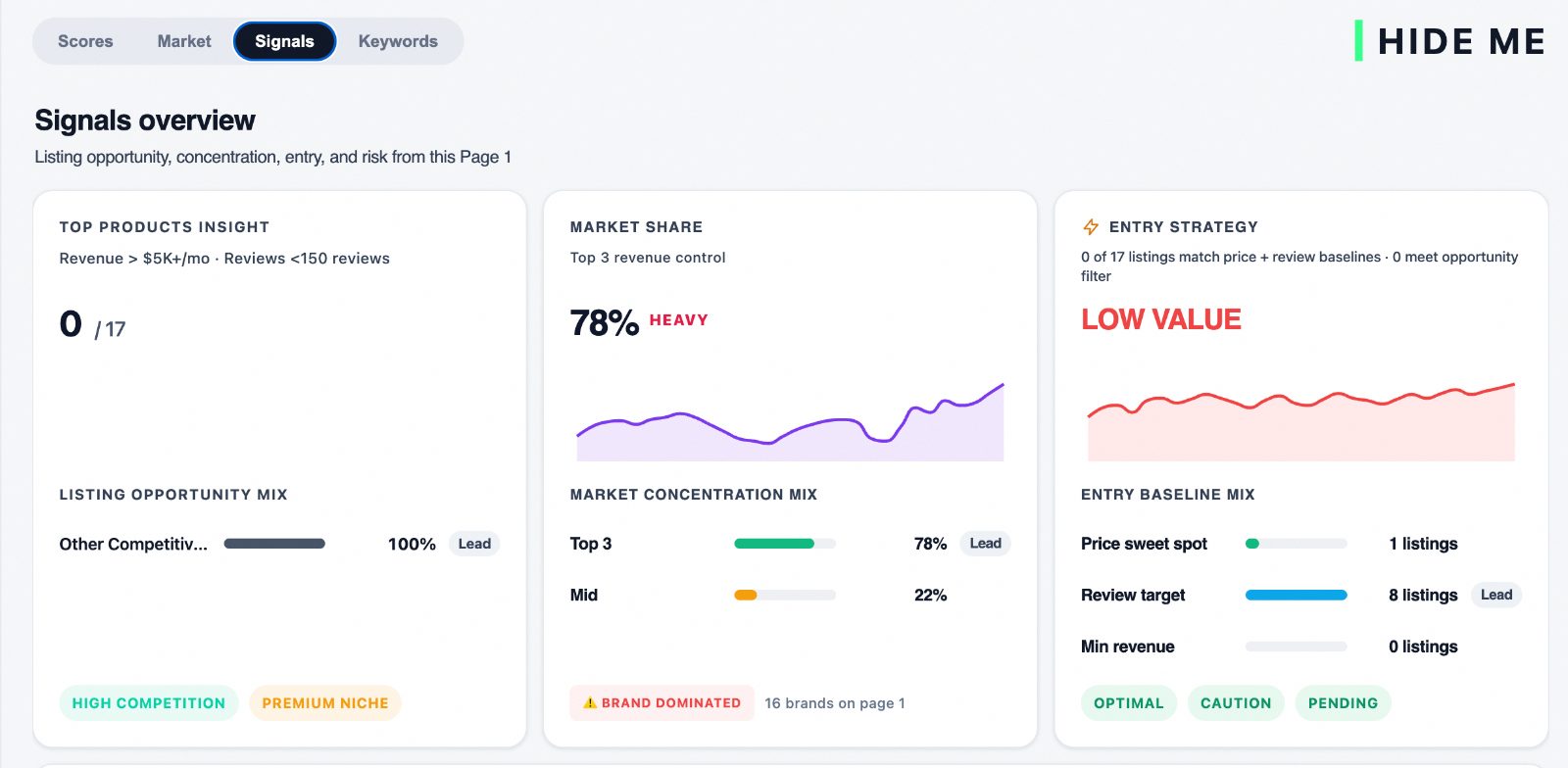
Chilview is a Chrome extension by Chilview LLC that helps Amazon sellers research products using only public, on-page data — no login required. Its signals overview brings price history, Buy Box analytics, BSR tracking, review insights, and listing checks into one view, so sellers can screen a listing quickly before deeper research. Search "Chilview" in the Chrome Web Store.
Facts checked November 26, 2026
Why triage matters more than deep research at the start
Most sourcing mistakes happen early, when a seller spends an hour analyzing a product that should have been rejected in five minutes. A deal looks attractive in a sourcing feed or wholesale sheet, and the seller starts calculating before checking whether the price is stable, the Buy Box is shared, or demand is real.
Triage is a fast first pass with one job: decide whether a product deserves more of your time. It is not a final buy decision. It separates "worth investigating" from "move on" using signals already visible on the product page.
Chilview, from Chilview LLC, is built around that idea. It works in Chrome and Brave, requires no login, and collects no personal information — only product information from the page you are viewing. The signals overview is where that first pass happens.
Step 1: Start with price history, not the current price
The current price on a listing tells you almost nothing on its own. A product priced at $24.99 today could have sold at $18.99 for most of the last three months, which means today's price may be a temporary spike you cannot plan around. Or it could have held steady for months, which makes margin planning far more reliable.
That is why triage starts with price history. In Chilview, check the trend before anything else:
- Has the price been broadly stable, or does it swing sharply?
- Is today's price near the top, middle, or bottom of its recent range?
- Did a recent drop coincide with a promotion or a new competitor entering?
If the price history shows constant discounting, pause. Competing on a listing where the price keeps falling usually means your margin will fall with it. If the price is stable and today's level sits in its normal range, the product passes the first screen.
Step 2: Check who actually holds the Buy Box
Next, look at Buy Box analytics. A listing can have healthy demand and a stable price and still be a poor opportunity if one seller holds the Buy Box almost all of the time, or if Amazon itself is the dominant seller on the listing.
During triage, you are not trying to build a full competitive model. You are asking two simple questions. Is the Buy Box shared among sellers in a way that gives a new entrant a realistic chance? And is there any pattern — such as one seller winning at a specific price point — that tells you where competition really happens?
If the Buy Box is effectively closed, move on. Your time is better spent on listings where rotation exists and a well-priced offer can win sales.
Step 3: Read BSR as a demand signal, not a promise
BSR tracking belongs in the triage pass because it answers the demand question quickly: is this product actually selling in its category, and is that pattern steady or fading?
Use BSR as a signal, not a guarantee. A strong, consistent BSR pattern supports the idea that buyers are active. A BSR that has been weakening over time is a warning that demand may be cooling, even if today's snapshot looks acceptable. Chilview shows BSR alongside the other signals, so you can read it in context instead of treating a single rank number as the whole story.
Never source on BSR alone. In triage, it either supports the case for deeper research or gives you a reason to stop early — nothing more.
Step 4: Scan review insights for problems you would inherit
Review insights help you understand what buyers already think before you attach your seller account to the same listing. In a fast screen, look for repeated complaints about quality, sizing, breakage, or misleading expectations. Those are problems you would inherit the moment you start selling the same product.
Also note what buyers praise — it tells you why the product sells. For triage, though, the main job is risk detection: if reviews reveal a product problem, no price or BSR number makes it a good opportunity.
Step 5: Run the listing quality checklist
A weak listing suppresses sales for every seller on it. The listing quality checklist in Chilview helps you judge the page itself during the same first pass: is the listing complete and clear enough to convert the traffic it gets?
If the listing is thin or confusing, ask why. Sometimes that is an opportunity — a strong seller can still perform on an imperfect listing. More often in triage, it is another reason to be cautious, especially when combined with unstable pricing or a closed Buy Box.
Step 6: Only then check the money
If a product survives the first five steps, it has earned a margin check. Use the FBA profit calculator to test the real numbers: your cost, shipping, Amazon fees, and the price the history suggests you can actually sustain — not just today's price.
This order matters. Sellers who start with the calculator often fall in love with a margin that depends on a price the listing rarely holds. Sellers who triage first only calculate on products where the price, competition, and demand signals already make sense. When you need a specific variant or another marketplace, Chilview's variation viewer and cross-marketplace comparison extend the same workflow, and keyword niche and wholesale scan support the next stage of research.
A simple pass, watch, or pass-on rule
Keep triage decisions simple:
- Pass to deep research: stable price history, shared Buy Box, steady demand signals, no serious review problems, and a listing that can convert.
- Watch: one signal is unclear — for example, a recent price change you want to see settle before deciding.
- Pass on it: unstable pricing, a closed Buy Box, fading demand, or repeated product complaints. Walk away quickly and protect your research time.
Efficient researchers are not the ones who analyze the most products in depth. They reject weak products fastest, using honest data they can verify on the page.
Try the triage workflow yourself
Chilview offers a 3-day free trial with no card required, so you can run this triage workflow on your own sourcing list before paying anything. Pricing is simple: $30 one-time for the Founder plan for the first 500 users, then $10/month for Pro. Search "Chilview" in the Chrome Web Store, open a product you are considering, and screen it in one view before you spend an hour — or an inventory order — on it.
Website: https://getchilview.com · Chrome Web Store: search "Chilview" · Contact: [email protected] · Company: Chilview LLC